Screening Forms List
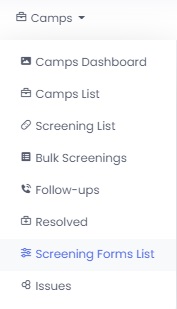
To view the list of all screening forms created, hover over the camps section and select Screening forms List.
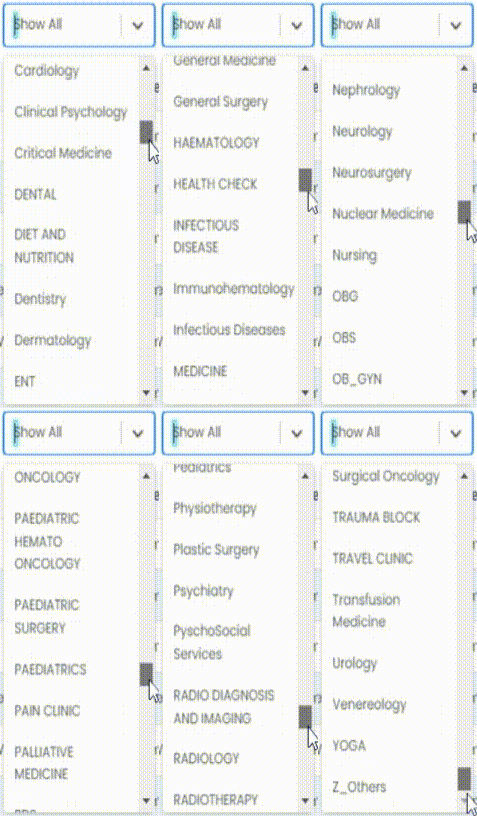
You can also view the forms department wise by clicking on the option on screen and selecting preferred department.
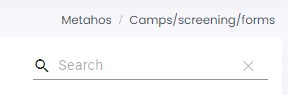
 You can search any particular form by typing its name in the search bar on the right side of the screen.
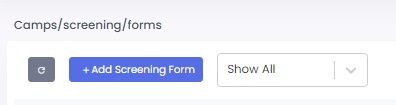
To add a new form in the list, click on + Add Screening Form
(you can follow the Form Builder guide to continue the process)
Using the available options you can Edit, Duplicate and Disable the forms.
